
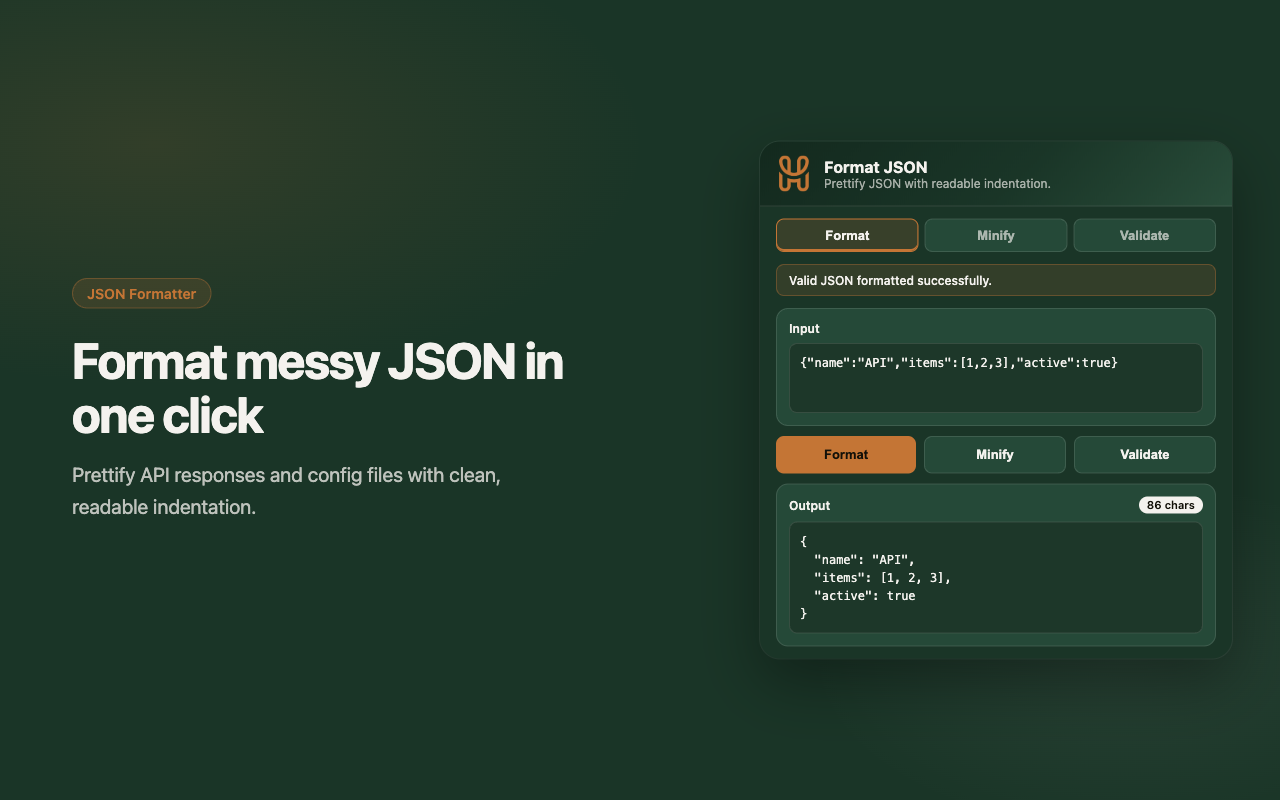
Format
Turn compact JSON into readable, indented output.
Format, minify, and validate JSON from your toolbar. Private, fast, and built for everyday dev work.
A focused popup that handles the JSON tasks you reach for every day.
Turn compact JSON into readable, indented output.
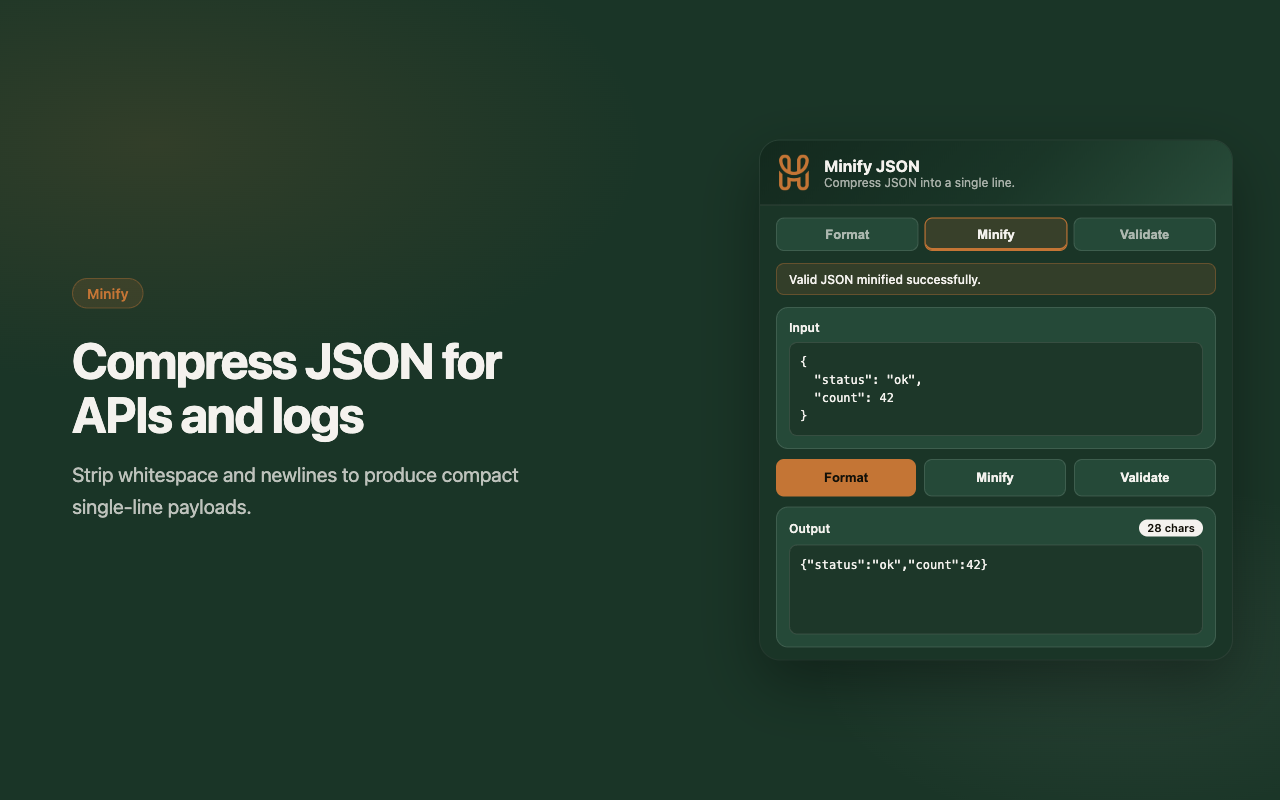
Compress JSON into a single line for APIs and logs.
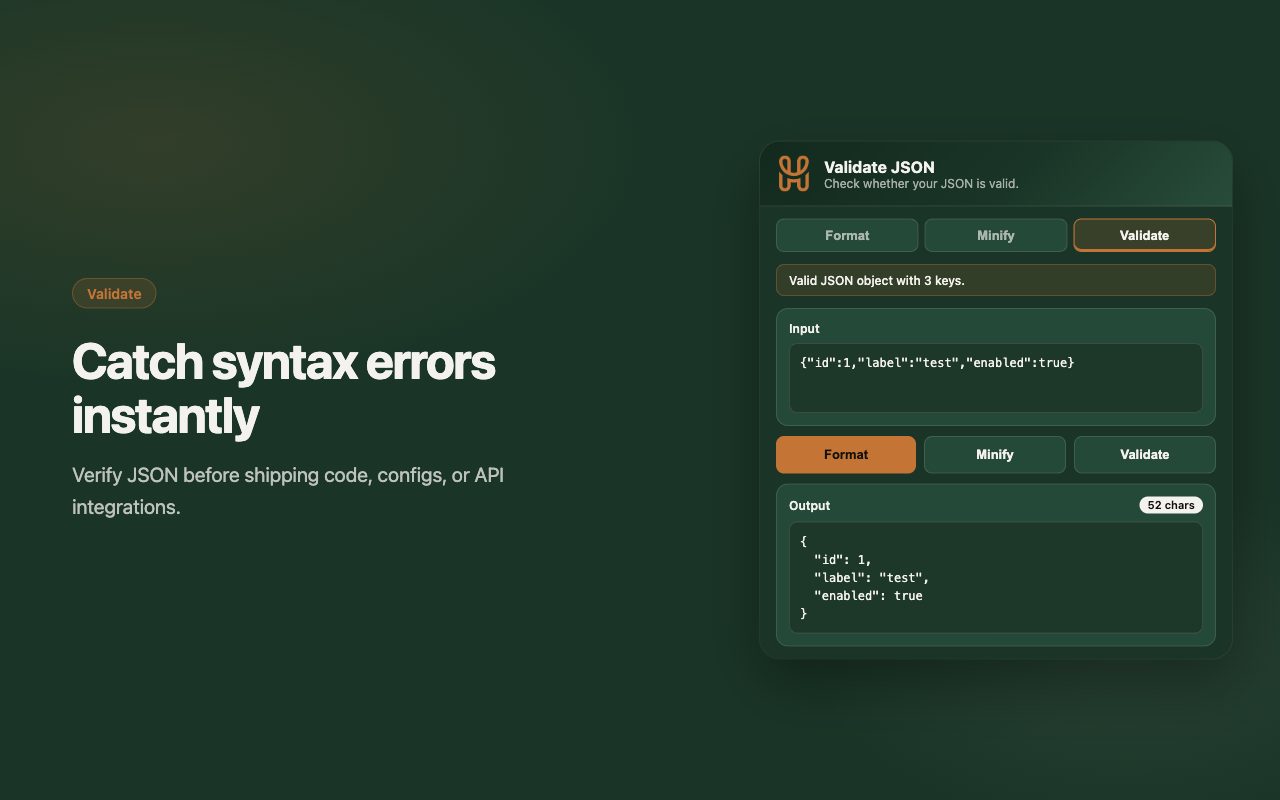
Catch syntax issues before they cause problems.
No clutter. No accounts. Just JSON tooling that stays on your machine.
Prettify nested objects and arrays with consistent 2-space indentation.
Strip whitespace instantly for payloads, configs, and production builds.
Get immediate feedback on syntax errors with helpful messages.
Send formatted results straight to your clipboard.
Try the tool instantly with a built-in example JSON payload.
Your JSON never leaves the browser. No servers, no tracking.
We're actively building the next wave of JSON tools for this extension.
These features are planned and in development. Stay tuned for updates in the Chrome Web Store.
Browse large JSON structures in a collapsible tree instead of raw text.
Normalize object key order for diffs, reviews, and consistent configs.
Convert between JSON and YAML formats without leaving the popup.
Find keys and values quickly inside large JSON documents.
Fix escaped characters and unicode in string values with one action.
Save recent formats locally for quick re-use during dev sessions.
We're excited to help you work with JSON faster — and even more features are on the way.